Work · 2022–2026
Oak Grove
Founder · AI-native business of one · US and Japan storefronts · Human–AI production systems
Founded and launched Oak Grove, an AI-native e-commerce business selling home goods through US and Japan storefronts. The premise was to combine my expertise in Human Factors in Information Design and Digital Media Design with ChatGPT, Claude, and Gemini across work a team would normally cover.
Oak Grove is a live study of what happens when one person designs and operates a business with AI embedded across the work—not as an occasional tool, but as part of the operating structure.
I directed product and collection strategy, sourcing, pricing, catalog structure, storefront content, merchandising, localization, marketing, analytics, and operations. As AI capabilities evolved, I continually reassessed what to delegate, what required review, and what needed to remain manual.
I built Oak Grove as an AI-native business of one to test how far a single operator could take a real business across the functions normally distributed across a staffed organization. The practical question was: how far could one person, working with AI, cover the functions a staffed business would normally distribute across a team?
Topics
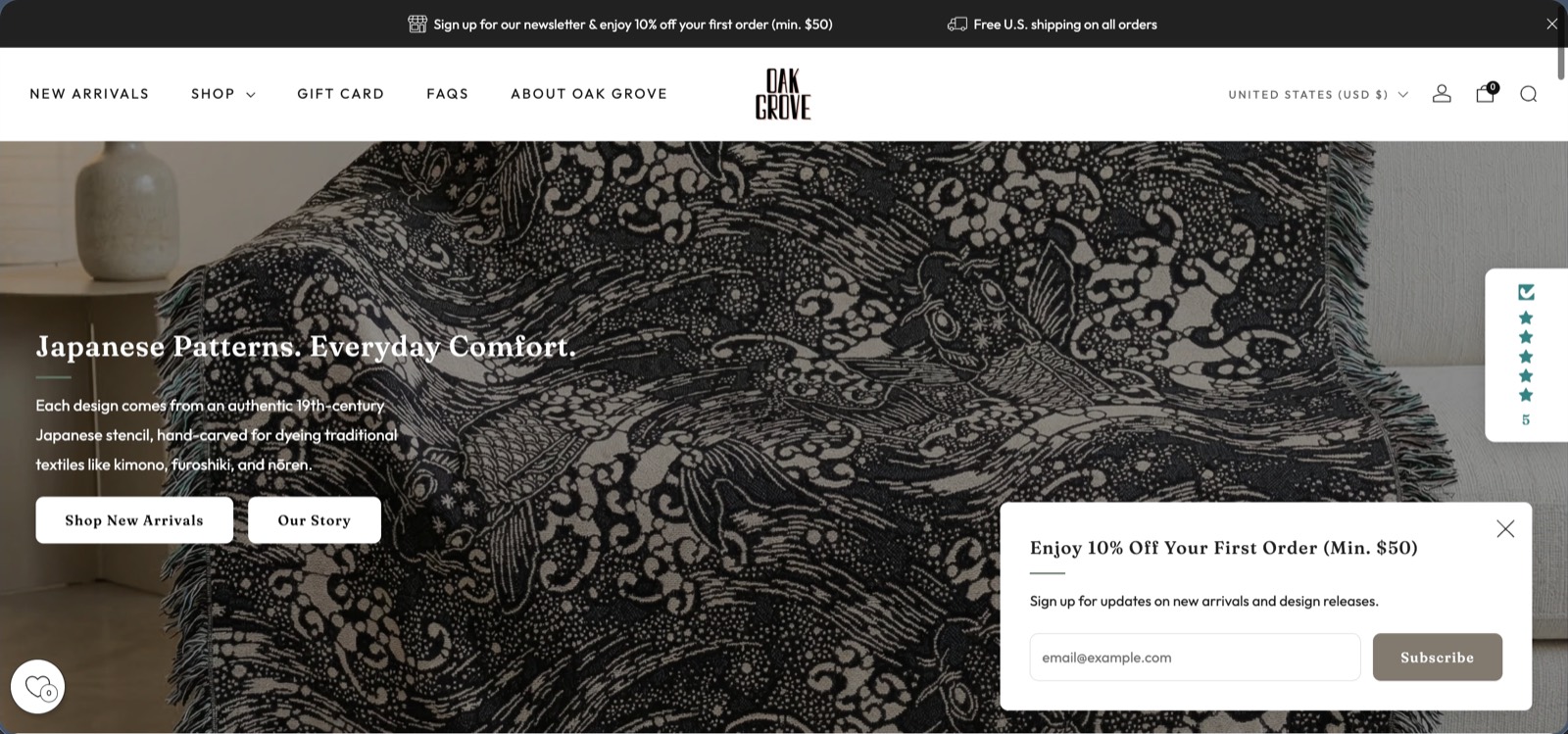
The brand
Authentic Japanese stencils, built into a home goods brand
Oak Grove transforms authentic 19th-century Japanese stencils into woven jacquard blankets, throw pillows, and other home decor goods. Each pattern begins as katagami: a hand-carved stencil used for dyeing traditional textiles like kimono, furoshiki, and nōren.
I built the brand identity, product line, US and Japanese Shopify storefronts, and a sourcing and curation pipeline for stencil artwork. Fulfillment partners handled production and shipping; I directed the product, commercial, creative, and operational work around them.
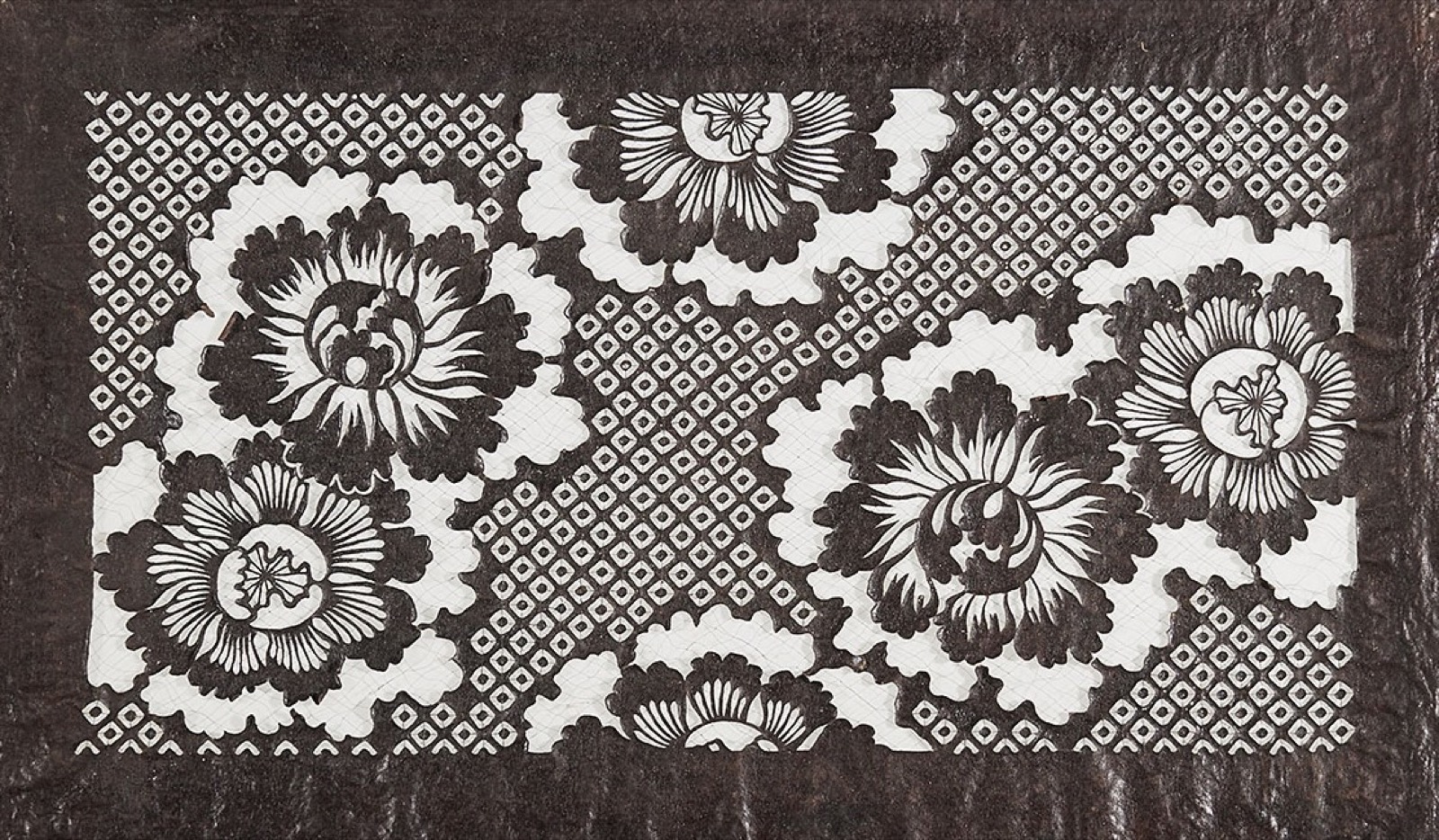
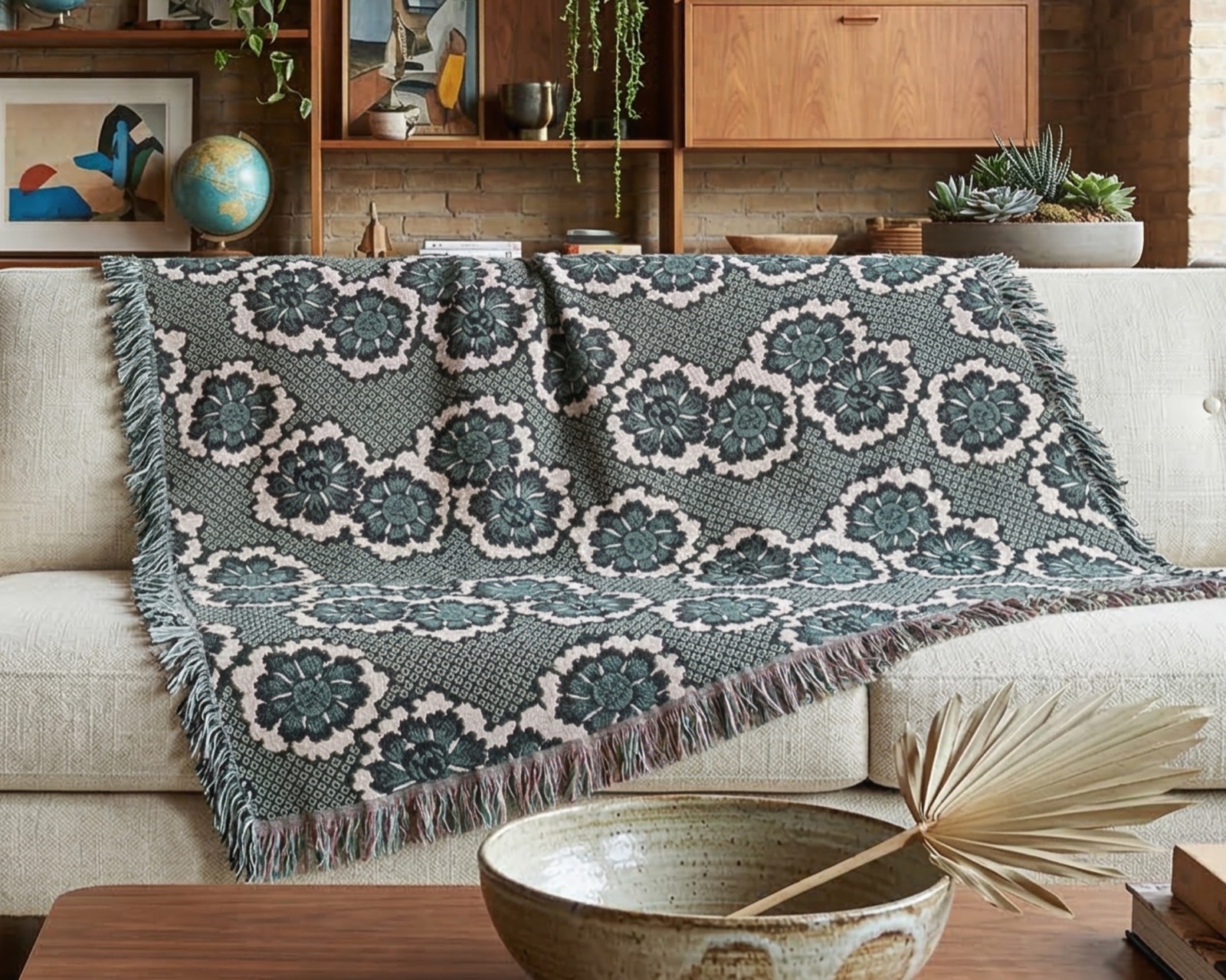

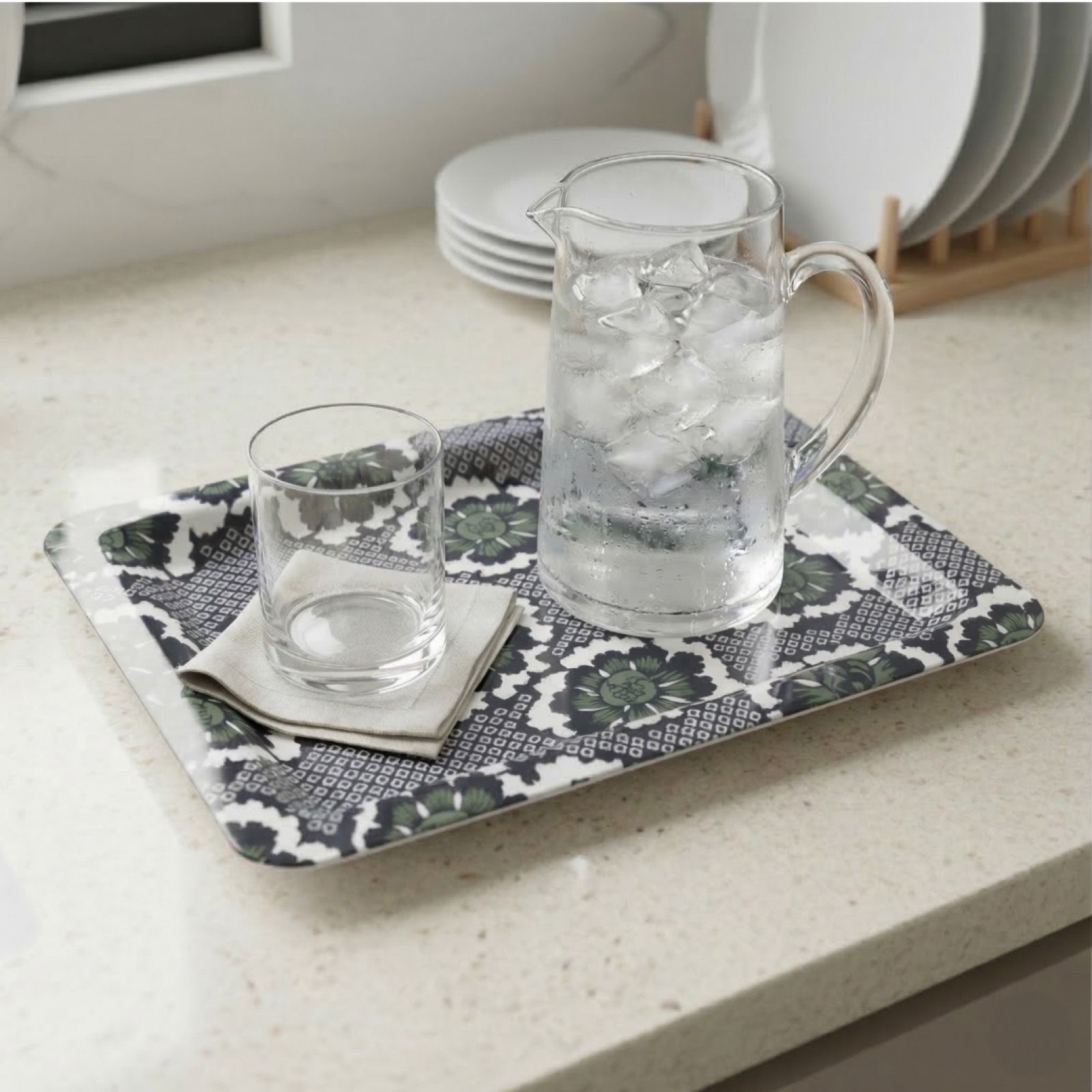
Business decisions
Building products that could work commercially
I compared production methods, suppliers, materials, formats, costs, margins, shipping, and pricing to decide which products to offer, when to launch them, and where to make them available. Those decisions shaped the catalog, assortment, storefronts, and release plans.
Product strategy, merchandising, localization, marketing, analytics, and order operations were parts of the same business system. The work was not finished when a design looked good; the product also had to be viable to produce, price, ship, explain, and sell.
2022–2026
The division of work changed as AI capabilities expanded
The answer changed as ChatGPT, Claude, and Gemini gained new capabilities.
I worked with the models to research, explore alternatives, critique ideas, surface tradeoffs, develop plans, create content, and rethink decisions as new information appeared. What I could hand off expanded from conversation into files, images, connected data, and selected structured workflows.
Operations and review
Airtable held the catalog and the review states
As the catalog expanded, I moved product records, source patterns, colorways, storefront content, and creative assets into Airtable so the catalog had one place to live. Records were linked where the connection mattered, including which pattern and colorway became which product and what was still waiting on review.
Airtable became the control point once workflows arrived. Records triggered work, generated outputs landed back with the prompt that produced them, and nothing moved toward a storefront until I approved it there. Designing where those review points sat was most of the actual work.
Human–AI boundary
Some work stayed manual by design
Selecting historical source material and cleaning the artwork remained manual. Source selection determined each product's provenance, while cleanup choices affected the visual integrity of the final pattern. Those decisions carried brand risk that automated screening could not reliably absorb.
The goal was not to automate as much as possible. I assigned work according to capability, risk, and quality, and retained final authority over consequential product and publishing decisions.
| Work kept human-led | Reason |
|---|---|
| Historical-source selection | Provenance and cultural integrity |
| Artwork cleanup | Visual integrity and brand quality |
2026
Later formalization: selected recurring work
By 2026, model and tool capabilities had expanded from chat to file generation, image editing, direct Airtable access through MCP, and API-connected workflows. I formalized selected recurring tasks in n8n, connecting Airtable, Shopify, DeepL, and Gemini, Anthropic, and OpenAI models. These workflows were a late extension of the way I had already run Oak Grove with AI, not the origin of the business.
I designed and evaluated workflows for familiar tasks and new possibilities, including staging products into rooms from inspiration photos and applying palettes from reference images to stencil designs. The important design work was not just connecting APIs. It was defining constraints, making intermediate outputs reviewable, and keeping human approval at consequential points.
The two examples below represent different kinds of applied AI work: multimodal creative direction and a connected decision-and-review pipeline.
Workflow 01
Inspiration Stager

Before
Writing staging prompts meant starting from scratch each time, describing lighting, furniture, geometry, and mood in text, with no guarantee the output matched what I'd imagined.
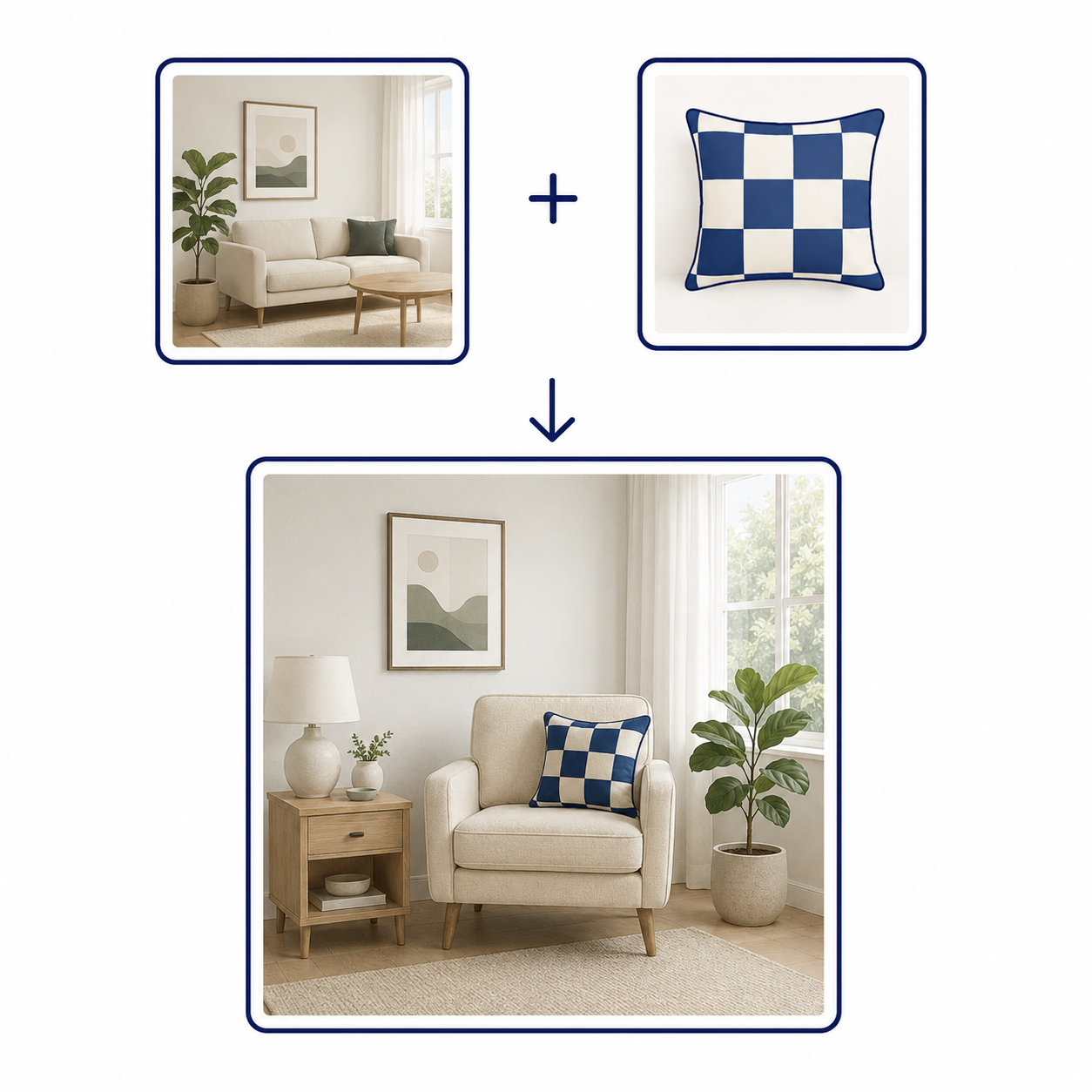
After
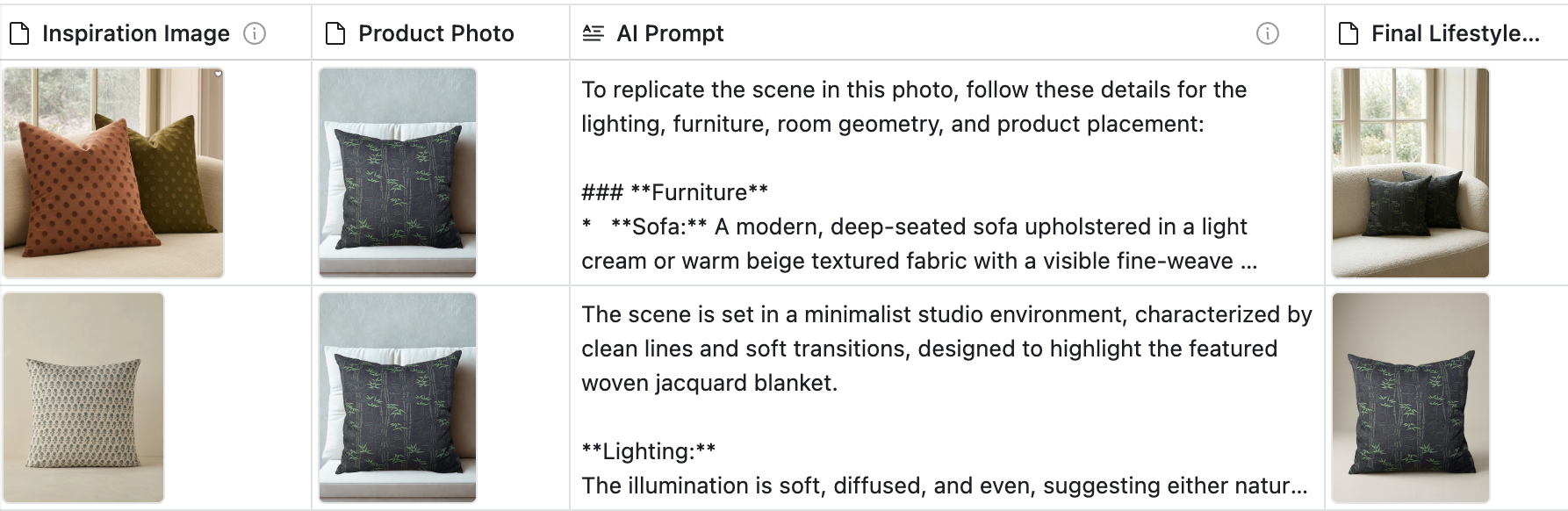
The workflow accepted two images: a room photo and a product photo. Gemini used the room to interpret lighting, furniture, and layout, then placed the product into a new scene while preserving its pattern and colors.
Inspiration Stager Workflow
Workflow 02
Colorway Pipeline: Three Linked Workflows
I designed a linked sequence to capture color inspiration from product photos, apply it to a stencil, generate up to 6 colorway mockups, and route the results through two review apps before anything could move toward production.
Before
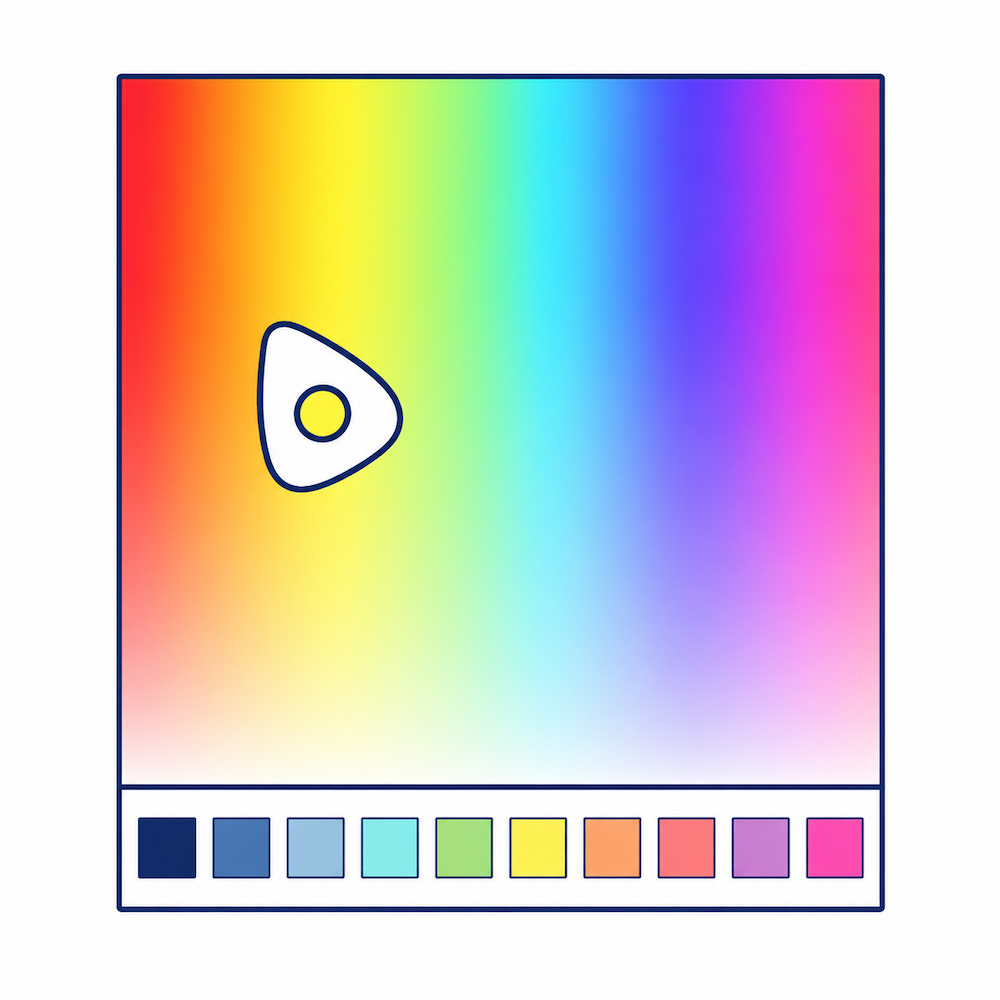
Chose colors by instinct, like using a color picker as a Ouija board, guided by gut feeling with no record of what I'd tried and no way to compare options.
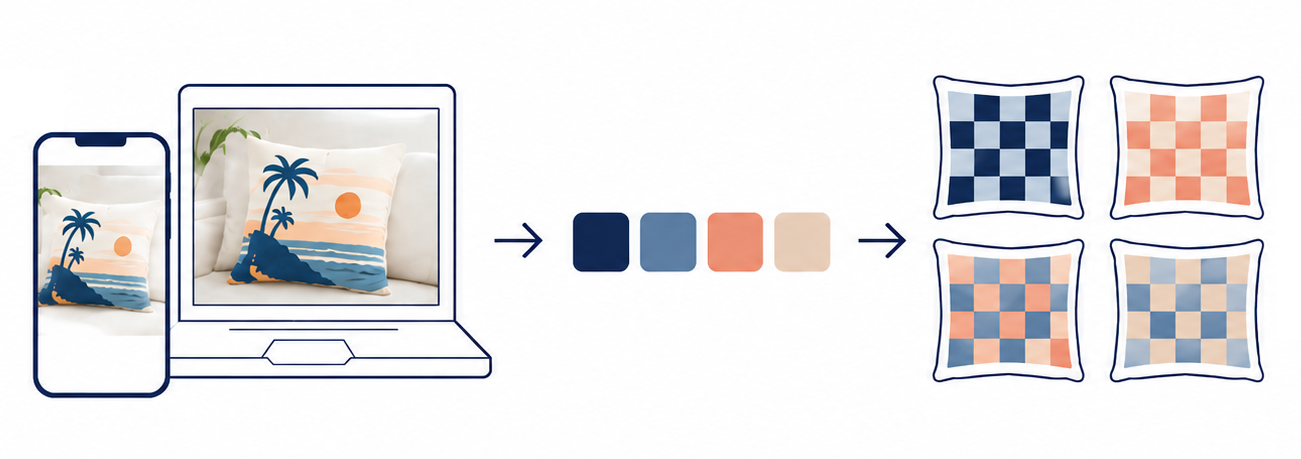
After
- A photo of a promising color scheme entered the workflow from desktop or mobile.
- Gemini extracted its colors into hex codes in Airtable.
- Those colors drove pillow mockups in up to 6 colorways.
- Promising options could be sent to reviewers before anything moved toward production. (not illustrated above)
Step 1 of 3 · Palette Lab
Capture color inspiration from anywhere
I built this workflow to save color inspiration from photos as reusable palette records. Gemini analyzed images submitted from desktop or mobile, extracted hex codes, and wrote them to Airtable for use by the Colorway Generator.
Palette capture workflow
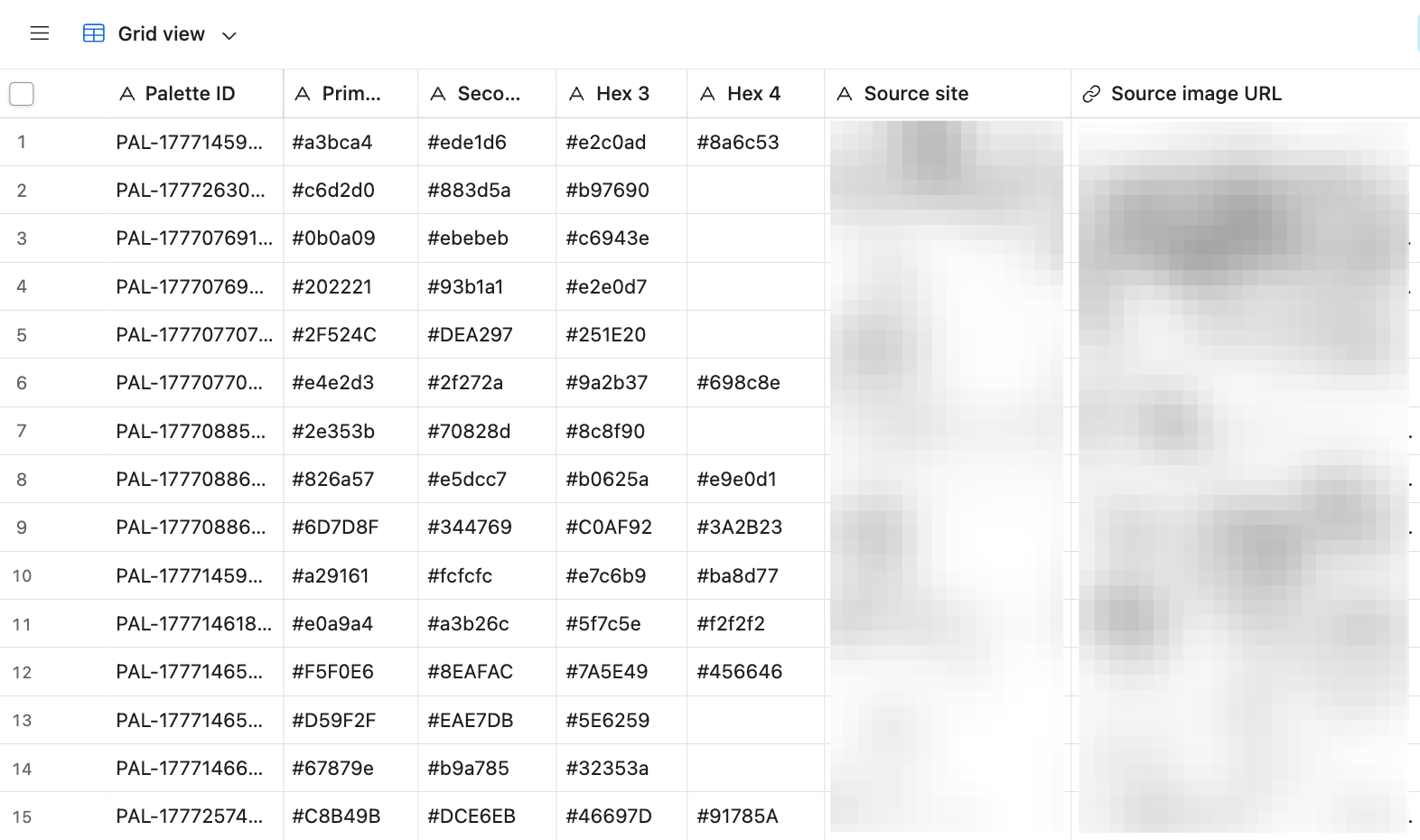 Grid view
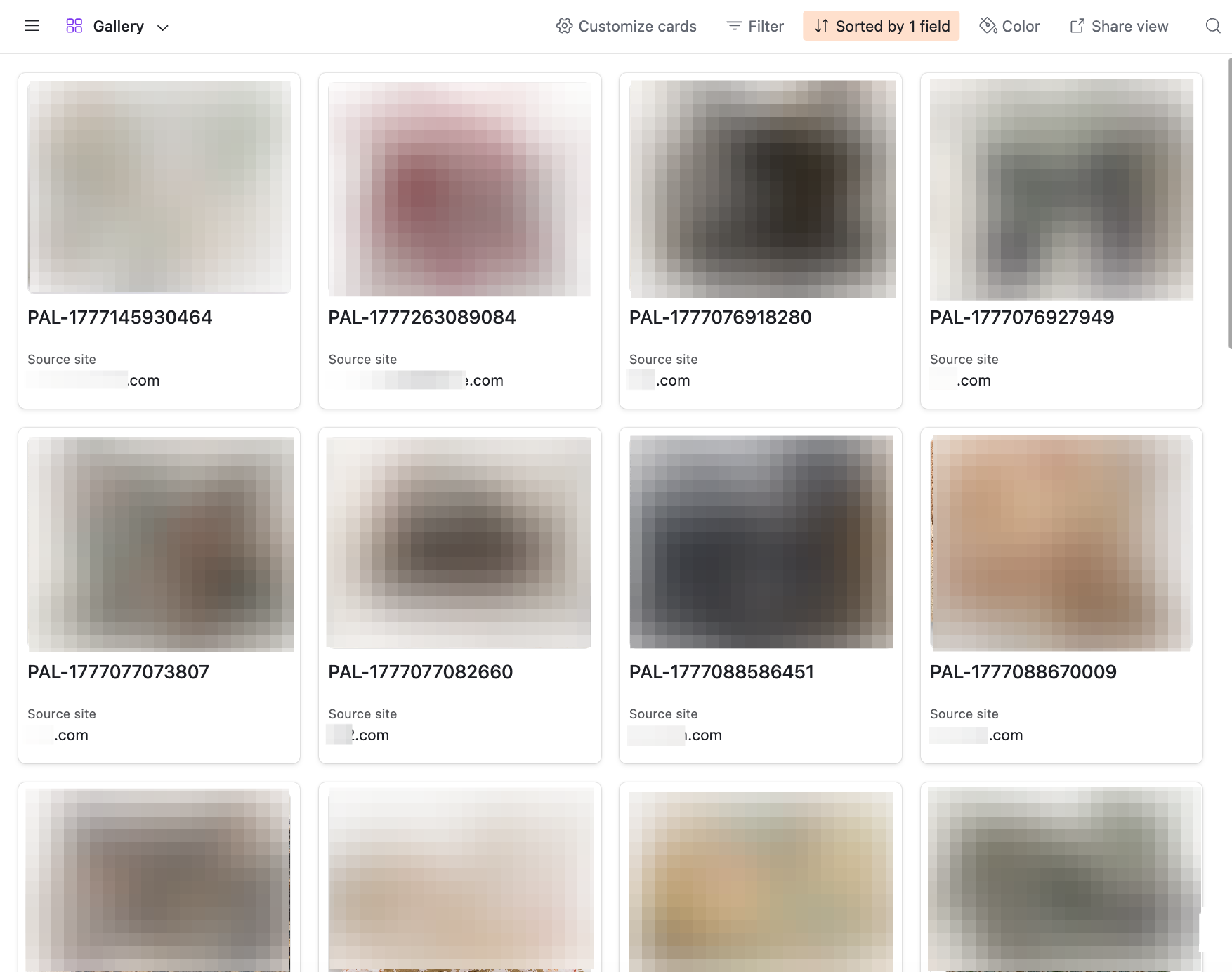 Gallery view
Step 2 of 3 · Colorway Generator
Apply a palette to a stencil and generate up to 6 variants
The Colorway Generator combined a validated Palette Lab record with a black-and-white stencil and generated up to 6 mockups for a first pass on which combinations were worth pursuing. Exact color still happened in Photoshop: Gemini could get close enough to evaluate, not close enough to ship.
Colorway generation workflow
Step 3 of 3 · Design Review
Curate a batch, send to reviewers, collect yes / maybe / no votes
Two small web apps I built with Claude Code. In the First Cut web app, I reviewed finished colorways and selected which were worth showing. The second app, Design Review, was designed for family reviewers to vote Yes / Maybe / No and leave notes. Votes were saved to Airtable so I could compare feedback before committing anything to production.
Feedback loop workflow
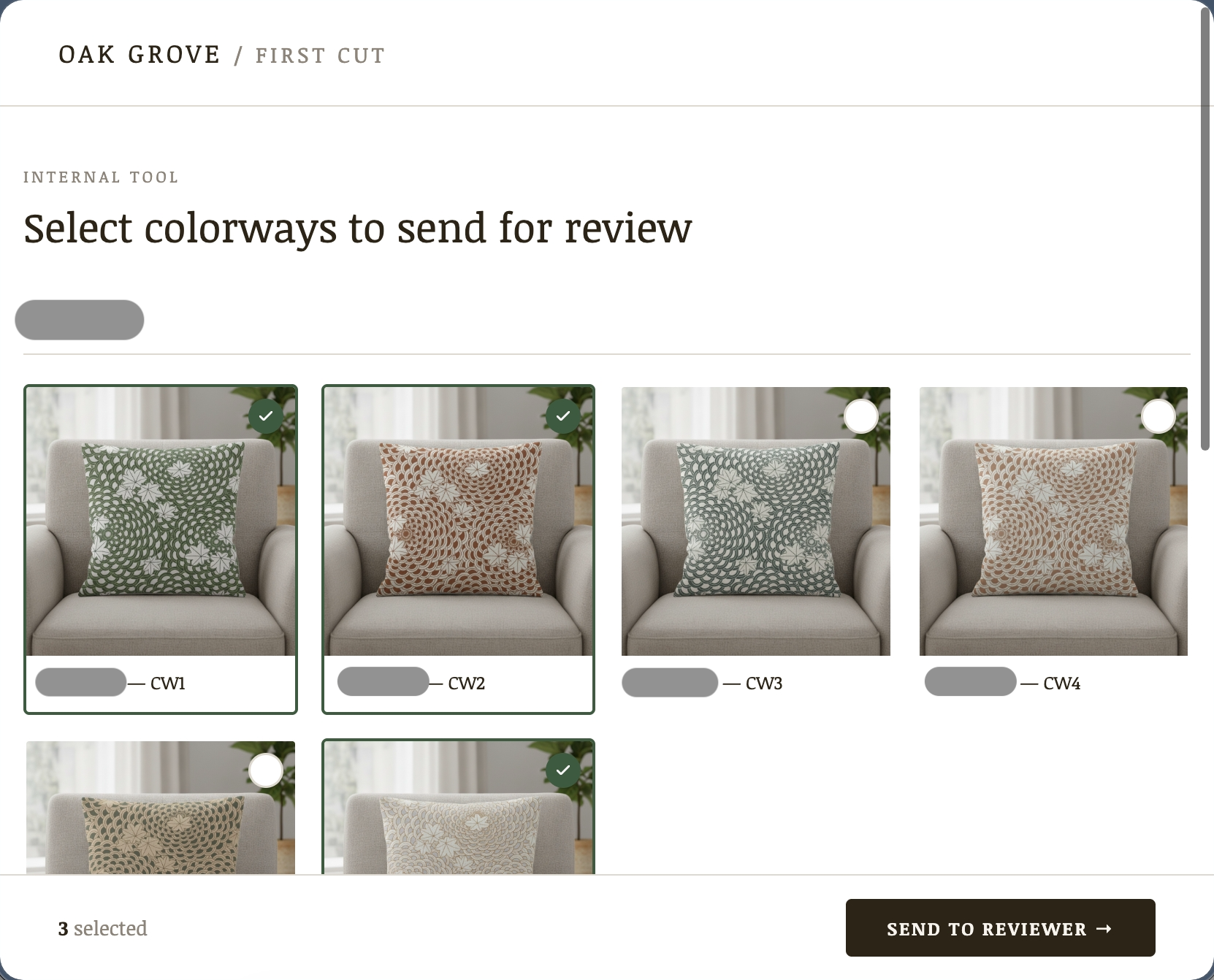 Curator view: select colorways to send for review
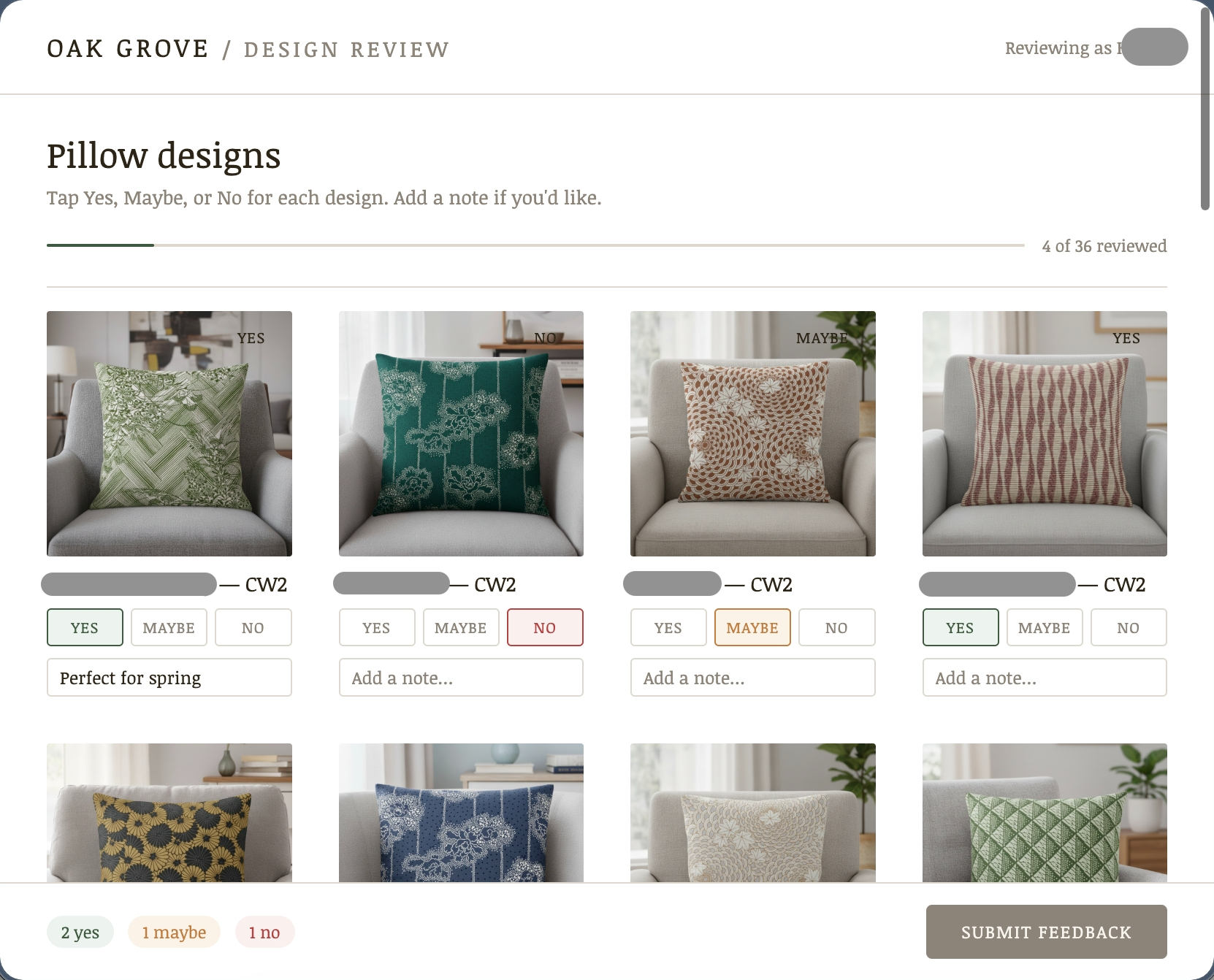 Reviewer view: Yes / Maybe / No per design
Supporting workflows
Additional workflow designs across content, publishing, and analysis.
What this demonstrates
What almost 4 years of solo operation taught me about working with AI
Over four years, Oak Grove became a production environment for studying where AI can support business workflows, where it introduces risk, and where human review is necessary to protect quality, accuracy, and brand trust.
Assign work according to capability and risk
Decided what to delegate to AI, what required human review, and what needed to remain manual because errors carried product, customer, cultural, or brand consequences.
Adapt as AI capabilities changed
Expanded the division of work from chat-based research and planning to generated files, image editing, MCP-connected Airtable data, and selected API workflows.
Carry AI-supported work into commercial reality
Applied AI within actual product, supplier, production, cost, margin, localization, quality, storefront, and customer constraints.
These judgments were grounded in real failures. AI guidance on paid advertising could be confidently wrong, while near-real product imagery risked creating a gap between what customers saw and what they would receive. Those risks informed the approval states and review gates I designed into the later workflows.
Related work
A Korean learning tool that breaks subtitles into labeled grammar maps, grounded in a published curriculum so the system's output stays checkable.
A capture tool and mobile study app that pull Japanese subtitles off the screen as they appear, using Claude to extract vocabulary while I decide what to learn.